Local MinIO Object Storage over Ngrok public HTTPS
Create in less than 5 minutes an Object Storage with local files exposed via HTTPS public URL. In this tutorial I use Docker to quickly run MinIO server, and ngrok to easily share files from local machine without messing with DNS and firewall settings.
You can use it to create an ephemeral private media sharing for friends and family.
Summary in two commands:
docker run --rm -p 9000:9000 \
  -v /tmp/local-data:/data \
  -e "MINIO_ACCESS_KEY=EXAMPLE_ACCESS_KEY" \
  -e "MINIO_SECRET_KEY=EXAMPLE_SECRET_KEY" \
  minio/minio server /data

./ngrok http 9000
Read following step by step guide for explanations …
Prequistes
Step 0 : Download and init ngrok
- Download link: https://ngrok.com/download
- Authenticate yourself to ngrok
- Run following command over dowloaded
ngrokbinary file
./ngrok authtoke XXXXXX
Where XXXXXX is your account auth token. More on ngrok doc
Step 1 : Create MinIO server using Docker
mkdir /tmp/local-data

docker run --rm -p 9000:9000 \
  -v /tmp/local-data:/data \
  -e "MINIO_ACCESS_KEY=EXAMPLE_ACCESS_KEY" \
  -e "MINIO_SECRET_KEY=EXAMPLE_SECRET_KEY" \
  minio/minio server /data
- NB : Replace
EXAMPLE_ACCESS_KEY/EXAMPLE_SECRET_KEYwith our more secure values. - NB : Replace
/tmp/datawith path of directory where you put files to share
Test using MinIO Browser:
Point your web browser to http://127.0.0.1:9000 to ensure your server has started successfully.
Step 2 : Connect to MinIO and create a bucket
From your web browser, go to http://127.0.0.1:9000, enter your EXAMPLE_ACCESS_KEY + EXAMPLE_SECRET_KEY (provided to server on previous step) as athentication credentials.
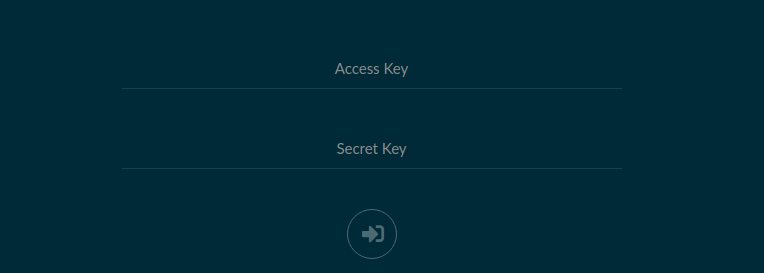
When you are connected on MinIO web app, create a bucket ex: bucket01
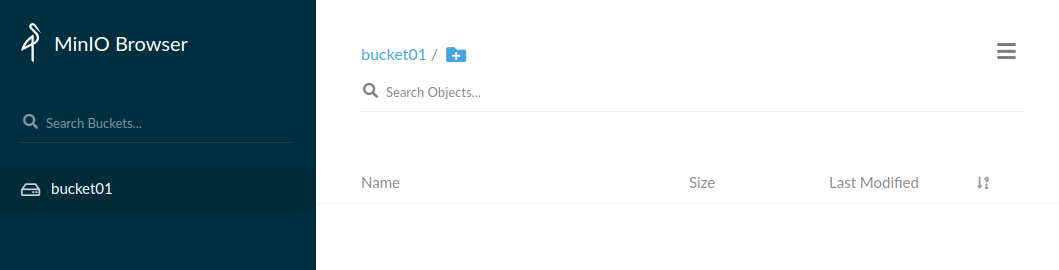
Step 3 : Expose the MinIO serve
Expose the MinIO server which is running on port 9000 by runnin following CMD :
cd /to-dir/of-ngrok/downloaded-file

./ngrok http 9000
The command will display a generated url like https://6441f740aac1.ngrok.io wich exposed the local MinIO web server.
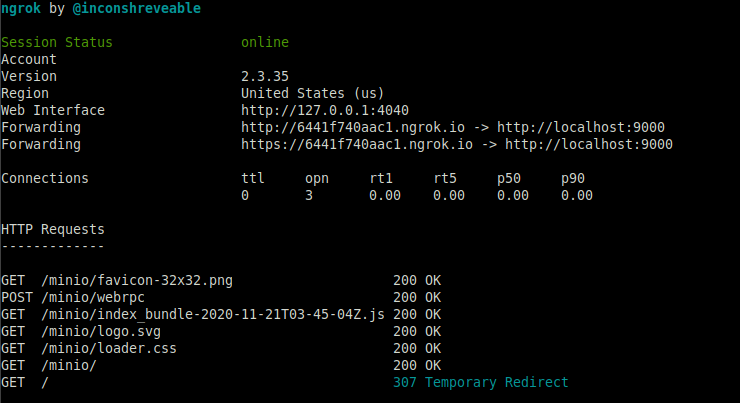
NOTICE : You can replace ngrok with altenative solutiions like localtunnel
Links
- MinIO : https://min.io
- Ngrok : https://ngrok.com
- Docker: https://www.docker.com
