Kubernetes : Monitoring with Prometheus + Grafana
Kubernetes : Monitoring with Prometheus + Grafana
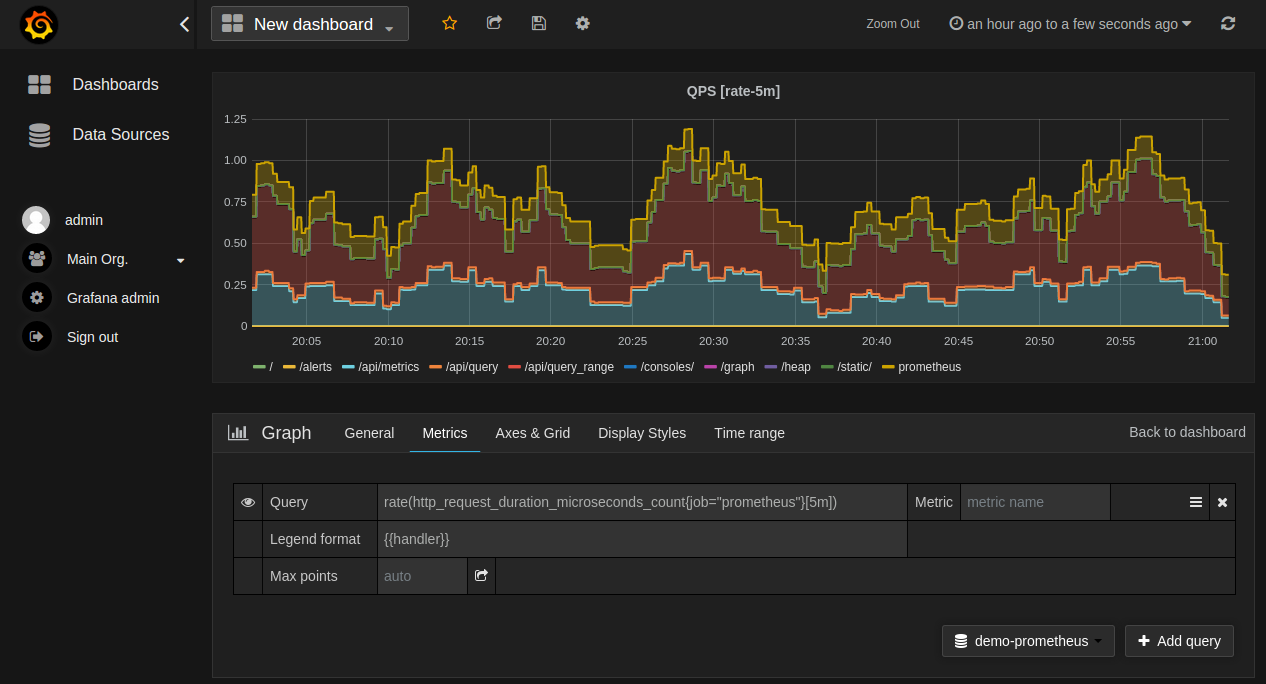
Monitor Kubernetes cluster using Prometheus + Grafana
Requirements
- A ready to use kubenetes cluster
- Helm client wich can access to cluster
Install stack
Step 1 : Create monitoring stack namespace
kubectl create namespace monitoring
Step 2 : Install Prometheus + Grafana
- Init Helm stable repo
$ helm repo add stable https://kubernetes-charts.storage.googleapis.com
helm repo update
- Install Prometheus + Grafana
helm install grafana --namespace monitoring stable/grafana
helm install prometheus --namespace monitoring stable/prometheus
Step 3 : Connect
- Prometheus: http://localhost:9090
export POD_NAME=$(kubectl get pods --namespace monitoring -l "app=prometheus,component=server" -o jsonpath="{.items[0].metadata.name}")
kubectl --namespace monitoring port-forward $POD_NAME 9090
- Grafana: http://localhost:3000
export POD_NAME=$(kubectl get pods --namespace monitoring -l "app=grafana" -o jsonpath="{.items[0].metadata.name}")
kubectl --namespace monitoring port-forward $POD_NAME 3000

# Get "admin" password
kubectl get secret --namespace monitoring grafana -o jsonpath="{.data.admin-password}" | base64 --decode ; echo
- Grafana datasource settings
Use following URL as Prometheus server url: http://prometheus-server.monitoring.svc.cluster.local
WARNING: Grafana - By default Persistence is disabled !!!
Links
- Prometheus: https://prometheus.io
- Grafana: https://grafana.com
- Grafana dashboards to import
- Medium Install Prometheus and Grafana by Helm
